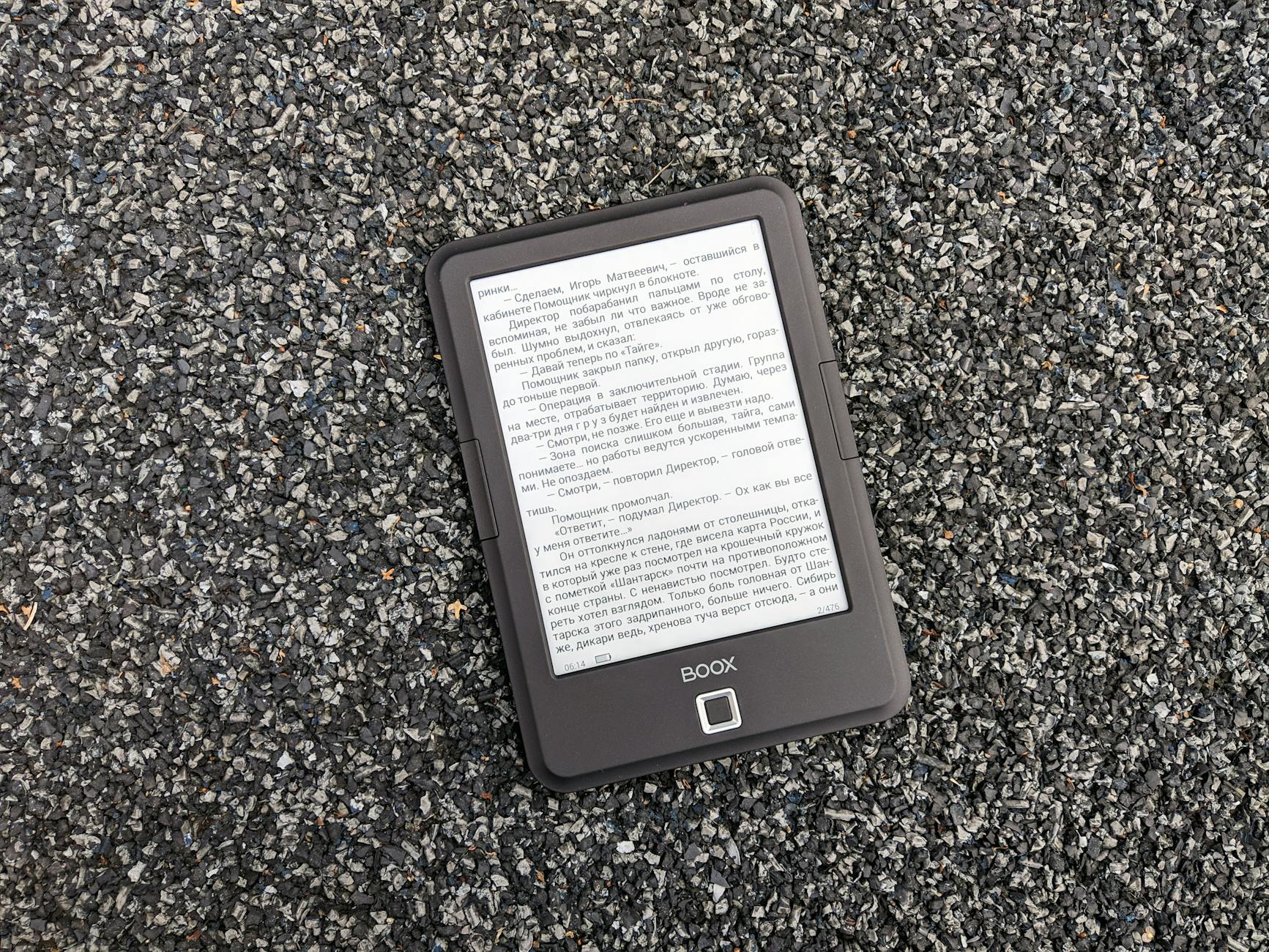
Screen Savvy: Demystifying Display Tech & Eye Comfort – What's the Difference Between E-Ink & LCD, and Which is Best for You?
When delving into the world of digital displays, understanding the fundamental differences between E-Ink (electrophoretic ink) and LCD (Liquid Crystal Display) is paramount, especially when eye comfort is a priority. E-Ink operates on a reflective principle, mimicking real paper by arranging tiny charged particles to form images. This means it requires no backlight, significantly reducing eye strain, particularly during prolonged reading sessions. Its high contrast and wide viewing angles further enhance readability. However, E-Ink's refresh rates are considerably slower, making it unsuitable for video or fast-paced animation. Conversely, LCDs are transmissive, relying on a backlight to illuminate pixels. While offering vibrant colors and rapid refresh rates, ideal for multimedia, this constant light emission can contribute to eye fatigue, especially in dimly lit environments. The choice between them hinges largely on your primary use case and sensitivity to screen-induced discomfort.
Deciding which display technology is 'best' ultimately boils down to your individual needs and how you intend to interact with the device. If your primary activity involves extensive reading – think e-books, documents, or research papers – then an E-Ink display is the undeniable champion for eye comfort. Its paper-like appearance and lack of backlight make it feel natural and reduce the blue light exposure often associated with sleep disruption.
"For dedicated readers, E-Ink is a game-changer for reducing eye fatigue."If, however, your digital life revolves around browsing the web, watching videos, gaming, or working with dynamic applications, an LCD display offers the necessary speed, color accuracy, and versatility. Consider your typical usage patterns: are you a dedicated bookworm seeking a gentle reading experience, or a multimedia enthusiast needing a responsive, color-rich screen? Your answer will guide you to the optimal display technology for your personal comfort and productivity.
Looking for a new e-reader but not sold on the Kindle Paperwhite? Our Kindle Paperwhite alternatives buying guide will help you navigate the options. We've reviewed a range of devices, considering features like screen quality, battery life, and overall user experience to help you find the perfect e-reader for your needs.
Beyond the Basics: Memory, Battery & Features – Do You Really Need Waterproofing or Audiobooks, and How Much Storage is Enough?
Delving deeper than just screen size and processor, a modern e-reader's true utility often lies in its secondary features. Consider how you'll use the device: do you need waterproofing for poolside or bath-time reading, or is a splash-resistant design sufficient? While convenient, built-in audiobook support, often via Bluetooth, might be redundant if you already have a dedicated audiobook player or prefer your smartphone. Think critically about these additions. Are they genuinely enhancing your reading experience, or are they just adding to the price tag? Sometimes, a simpler, more focused device provides a better, less distracting reading environment. Prioritize features that align with your reading habits and lifestyle, rather than being swayed by every bells and whistles on offer.
Storage capacity, another crucial consideration, often sparks debate. For most avid readers, even a modest 8GB of internal storage can hold thousands of standard eBooks, translating to years of reading material. However, if your library leans heavily towards graphic novels, PDFs, or a significant collection of audiobooks, then opting for 16GB or even 32GB becomes a more practical choice. Remember that cloud storage also plays a role; many e-reader ecosystems offer seamless cloud integration, allowing you to offload books you're not actively reading. Therefore, don't automatically assume more is better. Evaluate your typical content consumption and leverage cloud options before investing in unnecessary local storage.
The sweet spot for storage is often less than you think, especially with modern cloud solutions.